






 Configuración
 Entrega rápida
 Tipos de pago


 Producto del mercado


CuBox-i de SolidRun: Guía de inicio rápido
Introduction
The DigiKey part number for the CuBox-i4Pro by SolidRun that we are using is CU04W-P-000-00-ND. You can find the datasheet here. SolidRun is billing this as the "smallest computer in the world".
Specifications
This 2" x 2" x 2" package has a full backside of connectors.
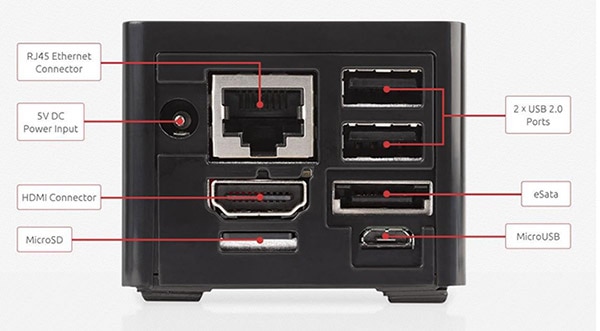 (Image source: SolidRun)
There are five configurations that you can choose from.
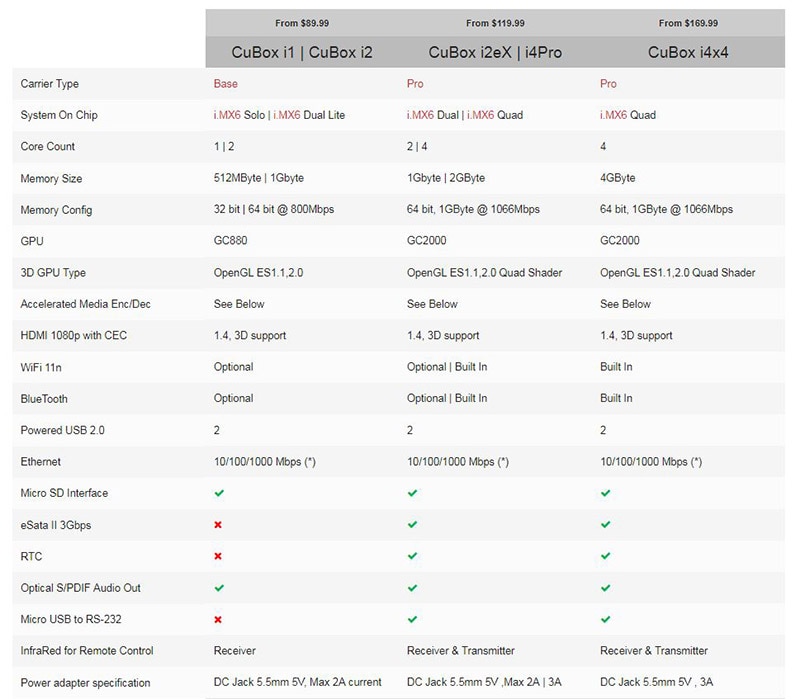 (Image source: SolidRun)
Installation
SolidRun - Ignition.img
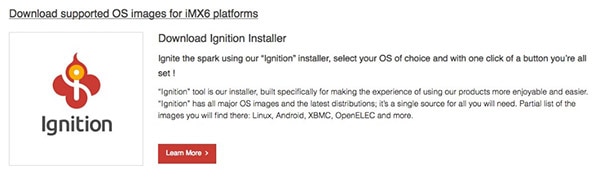
SolidRun provides its own image that you will download to your SD card and use to download the operating system of your choice. Click on the picture below to get to the SolidRun website. Once there, click on "Downloads".
 (Image source: SolidRun)
Click "Learn More".
 (Image source: SolidRun)
Follow the steps as outlined on the webpage.
 (Image source: SolidRun)
Operating System
Once you have etched Ignition.img to your SD card, you can place that in the CuBox and provide power. The following graphics will show you the process of downloading your choice of operating systems.
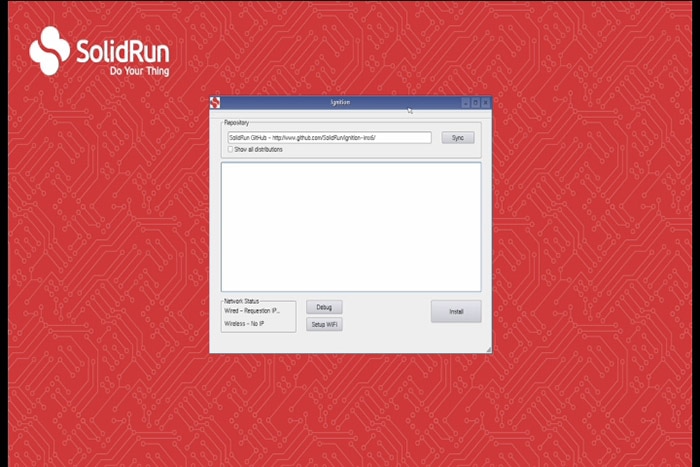 (Image source: SolidRun)
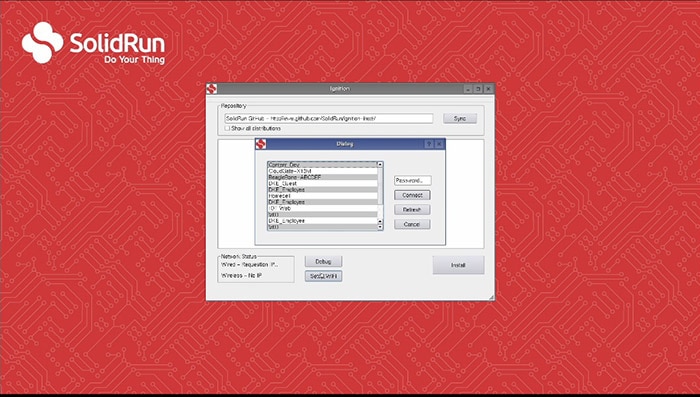 (Image source: SolidRun)
Since we purchased the remote control, DigiKey part number RC01-ND, we decided to choose an operating system that will allow us to create a type of media center. After some testing of the various operating systems available, we decided on OpenELEC (Open Embedded Linux Entertainment Center), which utilizes Kodi to turn the CuBox into an entertainment center.
Click "Install".
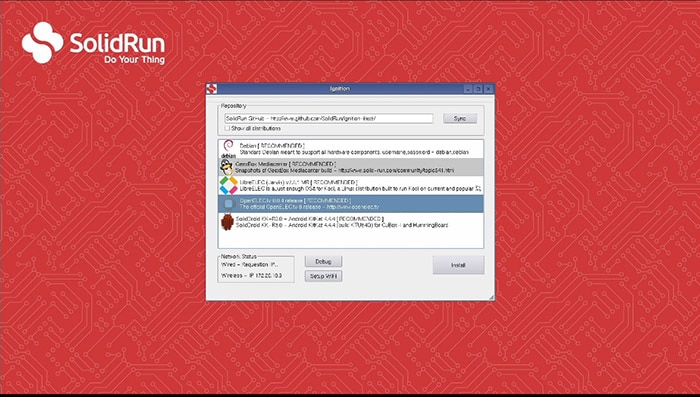 (Image source: SolidRun)
Click "Yes" to download the operating system to your SD card.
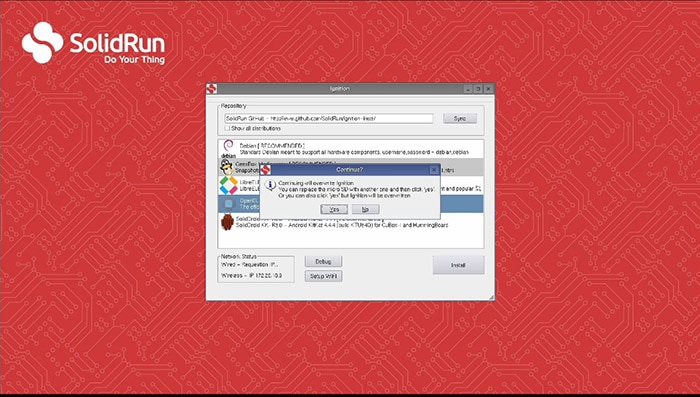 (Image source: SolidRun)
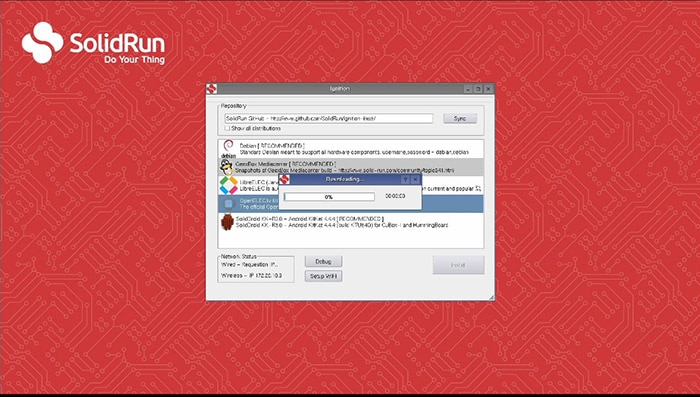 (Image source: SolidRun)
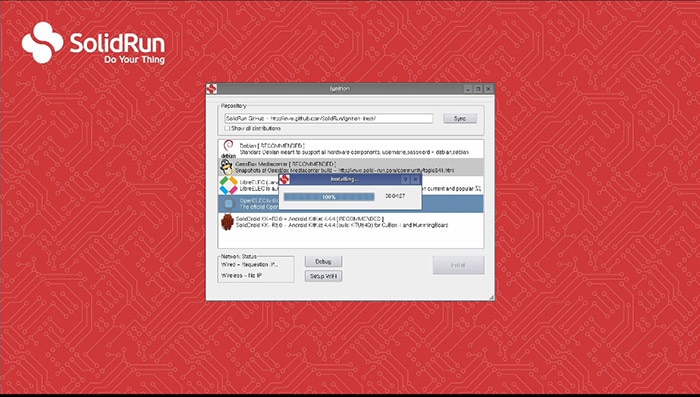 (Image source: SolidRun)
Click "Yes" to restart.
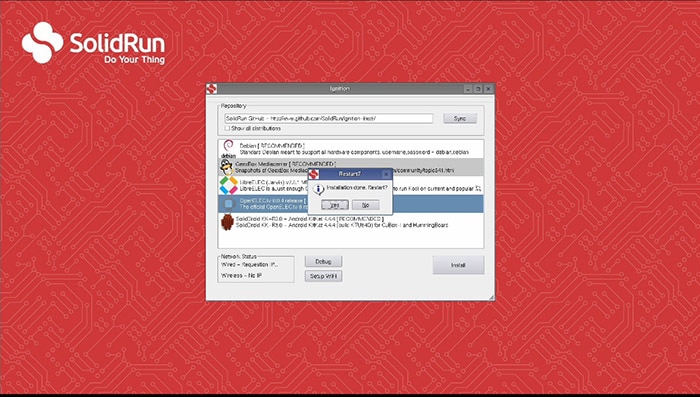 (Image source: SolidRun)
The CuBox will restart with the operating system you selected.
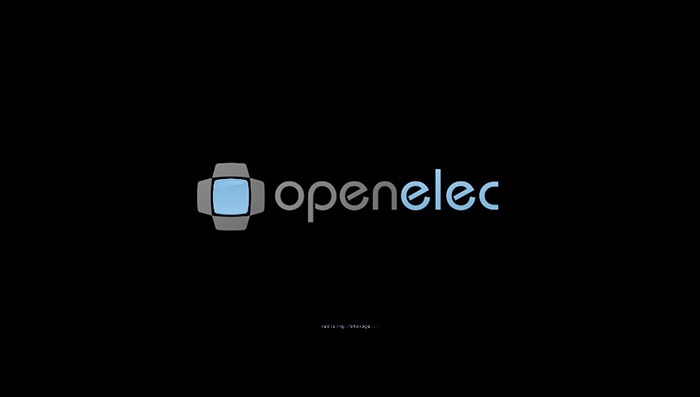 (Image source: SolidRun)
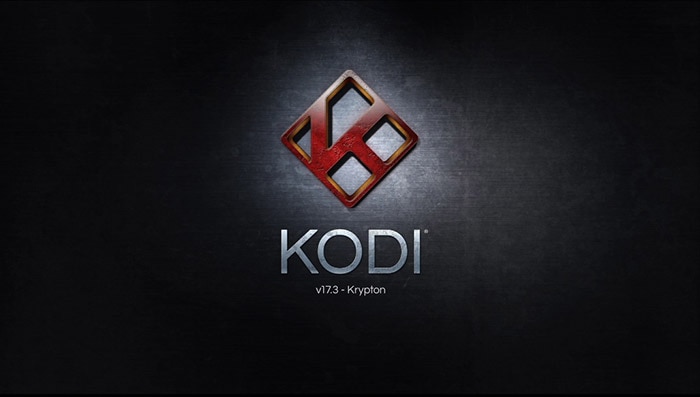 (Image source: SolidRun)
The first time OpenELEC opens, it will provide three welcome screens that you can click through.
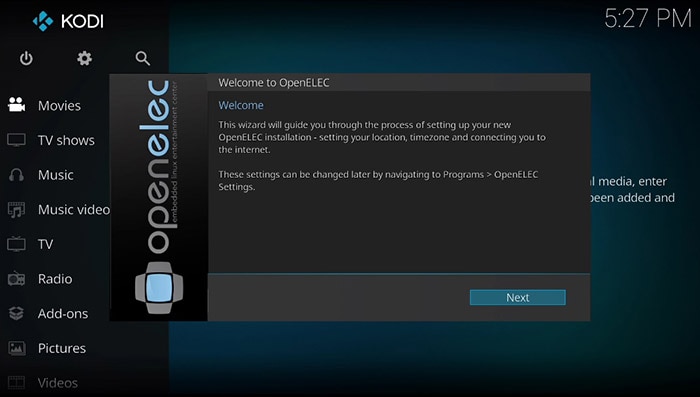 (Image source: SolidRun)
If you have questions on setting up the OpenELEC system, go to openelec.tv and click on "Documentation".
Click here to view the New Product Discovery with Randall Restle where he introduces the SolidRun CuBox-i.
Acerca de este autor

Curtis Johnson, técnico ingeniero en aplicaciones asociado de DigiKey, ha ayudado a responder las consultas técnicas de los clientes desde 2017 y ha trabajo en DigiKey desde 2015 luego de trabajar 15 años como banquero. Curtis cuenta con un AAS en sistemas automáticos de tecnología electrónica, un BA en psicología (sé que no tiene relación con la banca ni la electrónica), un MBA con orientación en Contabilidad, estudios de posgrado completos en Economía y finanzas y se inscribirá en un programa de BS en ciencias de la computación en otoño de 2018. Curtis está trabajando para saber y conocer más sobre sistemas integrados, RF, comunicaciones celulares, entre otros campos. En su tiempo libre, Curtis disfruta pasar tiempo con su familia, leer y aprender.

Have questions or comments? Continue the conversation on TechForum, Digi-Key's online community and technical resource.
Visit TechForum






 Estados Unidos